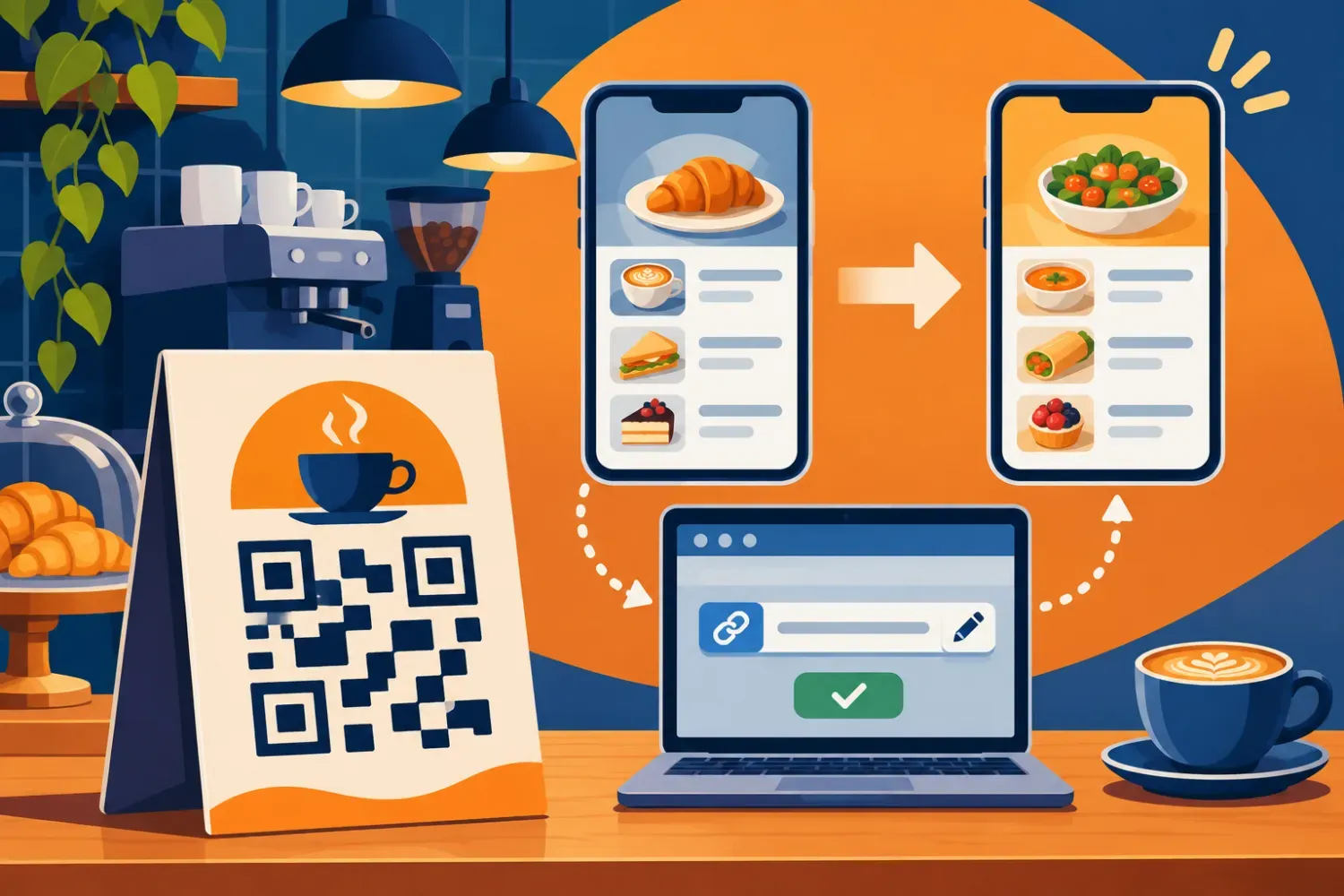
You can change where a printed QR code sends visitors if you control the URL encoded in the symbol. A code that points to an editable short link can reach a new page after you update that link’s destination. A code that points straight to a page can also stay in service if you can update the page or redirect its original address.
Scan the printed piece and read the first URL
Point a phone camera at the actual sign or packaging and look at the address in the scan preview before opening it. The browser address after navigation may already be the result of a redirect. Compare the encoded address with your link dashboard or your web team’s records. If the preview hides the full address, use a scanner that displays the decoded text.
An editable redirect is often called a dynamic QR code. The printed symbol holds the same short URL throughout its life. The service changes where that short URL leads. For a code that directly encodes a menu URL, the page or redirect at that original address is what you can change.
Choose a fix based on who controls the address
If the code uses an editable short link, open the account that owns it, find the exact link, and update its destination. Preview the new page on a phone before saving and then scan the original print. A restaurant can keep the same table cards when moving from a PDF menu to a mobile menu.
If the code uses a URL on your own website, you can update the content at that address or ask your web team to redirect it. Keep the old route working for the lifetime of the print. If the encoded address belongs to someone else, ask the owner whether they can keep the route working. If neither the address nor its target can be changed, replace the code or cover it with a correctly sized label.
Verify the change using the sign people actually scan
Scan on Wi-Fi and mobile data and check the destination, any language selector, and the main action such as viewing the menu or booking. Try another phone if you used the old link recently. If the old page appears, check the encoded URL against the account and look for an intermediate redirect or cached response.
A replacement label needs a clean border around the symbol. DENSO WAVE’s printing guidance specifies an empty margin four modules wide on each side. Test the label on the actual material at the distance visitors will use. DENSO WAVE guidance on QR code margins
Set up the next print run for changes
For long-lived signs, choose an address your team can maintain, name its owner, and keep a record of the matching print art and placement. Record each destination change and retest the physical item. 2QR can create a short URL to use as a QR destination and retrieve click statistics for saved links. 2QR guide to short URLs and QR destinations Open the 2QR web app
Cover image: AI-generated conceptual illustration.