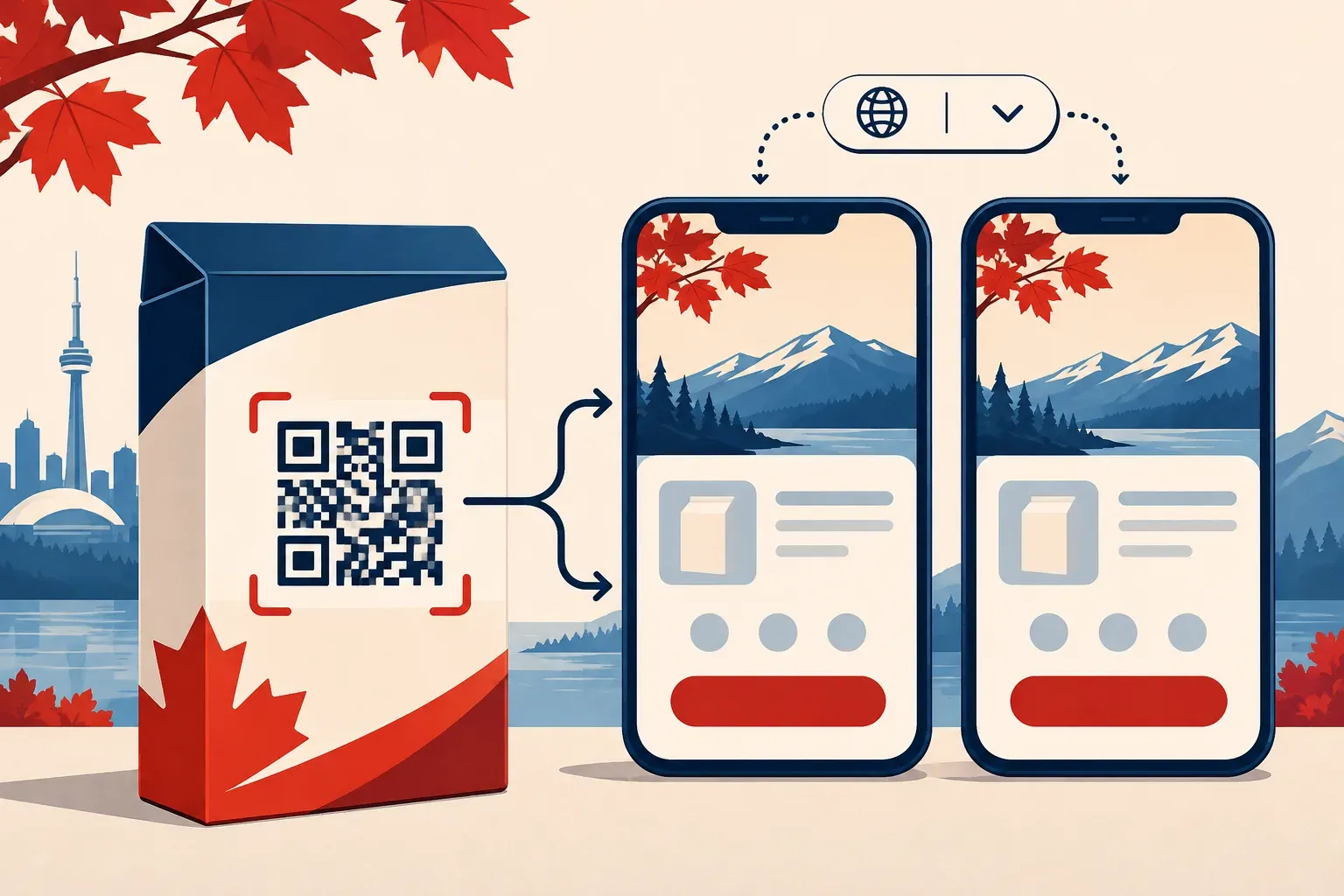
One QR code can serve English and French readers: point it to a mobile page with clear language choices, then link each choice to the matching version of your content. For Canadian packaging, build and review both journeys before the artwork goes to print.
Choose a destination that works for both languages
Create a short entry page with two visible choices: English and Français. Each should lead directly to the relevant product page, instructions, or offer in that language. Keep the selector available on both pages so visitors can change their choice without scanning again. A phone’s language setting can suggest a starting page, but a visible switch gives the visitor control.
For example, a food producer could use one code on a package to offer recipe ideas in English and French. The two pages should describe the same product and provide equivalent routes to the intended action. Ask fluent reviewers familiar with Canadian terminology to check the wording, links, dates, and mobile layout.
Keep the printed label useful on its own
A QR code needs a phone and an internet connection. Use it for supplementary content and check applicable packaging requirements separately before moving any information off a label. The Competition Bureau’s guide explains bilingual requirements for mandatory information under the Consumer Packaging and Labelling Regulations, including exceptions. Read the Competition Bureau guide. Requirements vary by product and jurisdiction, so review the rules that apply to your packaging.
Make the code easy to find and maintain
Place a short call to action beside the code in both languages, such as “Recipes / Recettes.” Leave enough clear space around the symbol and print a proof on the actual material. DENSO WAVE recommends a clear margin four modules wide on every side. See the QR code printing guidance.
Use a URL your team controls and record the owner, destination, language pages, artwork version, and where the package is sold. An editable short link can help when a campaign page changes, provided the account and link remain available. Learn how to change a QR destination.
Test both journeys before printing
Scan a physical proof using more than one phone. On each device, choose English, return and choose Français, then check the main action, page speed, readability, and any linked PDFs. Repeat with different device language settings, mobile data, and Wi-Fi. Confirm that switching languages preserves the visitor’s context where possible and that both versions remain current when the offer changes.
After launch, assign someone to revisit both pages when packaging, promotions, or product details change. If you measure visits, keep the language choice and campaign reporting plan consistent across versions and avoid putting personal information in URL parameters.
Cover image: AI-generated conceptual illustration.